Password Management
Help us keep your information – and the Humboldt networks – secure by setting a strong password to access campus resources – and change it whenever you're asked to.
Forgotten or lost password
Go to www.humboldt.edu/change and create a new one. If you think your password's been stolen, call the Help Desk right away at 707-826-4357
If you know your existing password and want to validate its still safe, or change it to a new one, visit www.humboldt.edu/change
Why you need a strong password
Because the bad guys can use it to steal your identity and hack into other people's information on the web.
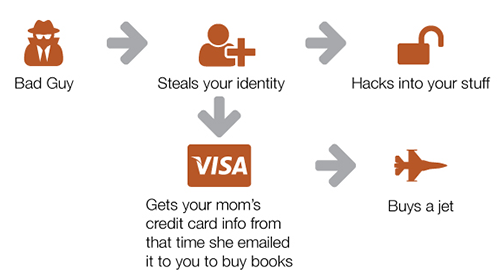
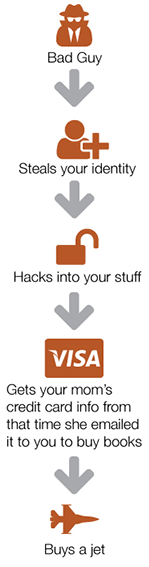
Creating a strong password
Humboldt's network protection has rules for strong passwords – you'll find them on the Account Settings screen for password creation. Stuck for ideas? You'll find plenty of useful resources on the web.
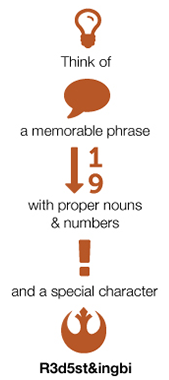
Validate your password regularly
Everyone on campus must validate their password yearly. Validating your password is a quick and easy process that can be done anytime. Simply go to My Accounts in Account Settings and reset your password to your current password. The process will securely validate that it hasn’t been found in any compromised password breaches and extend the expiry another year.
Keeping track of passwords
Get a password management app - Humboldt recommends KeePassX (Windows or Mac) or 1Password (Windows or Mac) - and use it.
Help Desk Hours
Summer 2026Monday - Friday: 8am - 4:30pm
Closed May 25, June 19, July 3
After hours emergencies:
Call UPD at (707) 826-5555
System Status
| Status | System | Est. resolution |
|---|---|---|
| Available | All Systems |
|